| SYSCAD - CAD for metal construction |
|
3D View / BIM-Export |
Generating sections > Cut list > 3D View / BIM-Export |
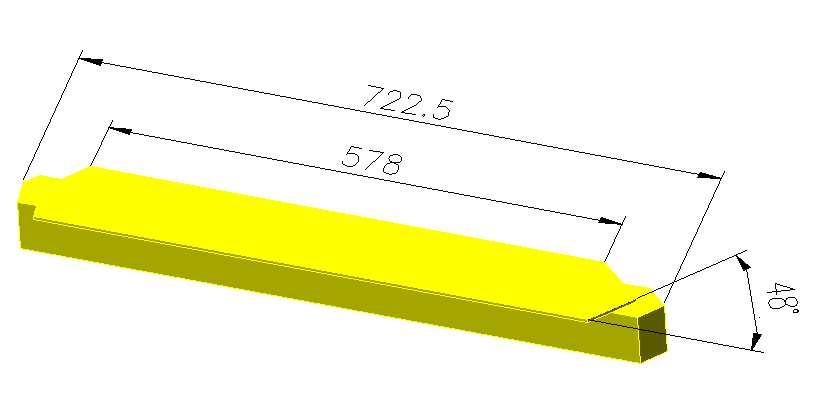
The command produces a copy of the elevation representing the profiles in 3D. The profiles of these 3D view can be dimensioned with the help of AutoCAD/BricsCAD functions to represent difficult cuts and processing.
The problem is that AutoCAD overwrites the system variable TARGET while executing the ORBIT Command. Use the command "RESET TARGET" Text from the AutoCAD help:
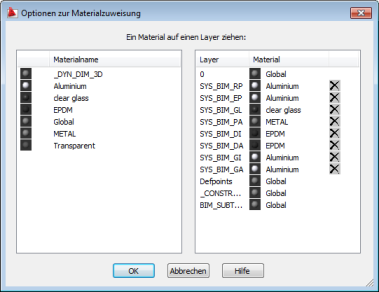
The command BIM-Export creates a 3D-model of your SYSCAD-elevation into a seperate drawing. Profile and fillings are created as simple 3D-Solids. Gaskets and glazing beads are not in the right shape.
Start the command KGL_BIM_ADDEED
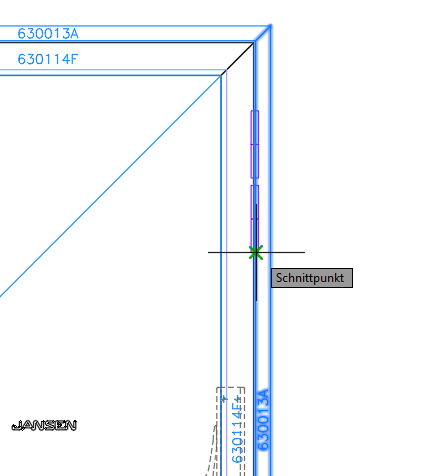
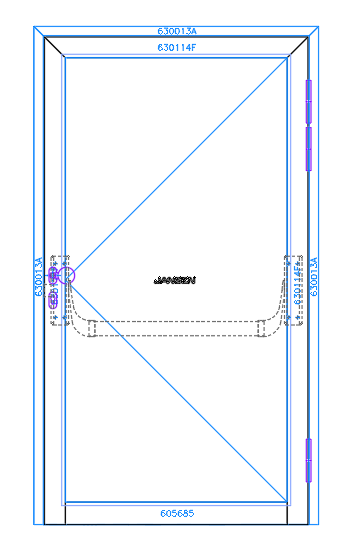
and select the desired profile to assign the 3D object. In this case, the right frame profile. The bands at the top and bottom are already assigned.
The 2nd band from the top is still missing.
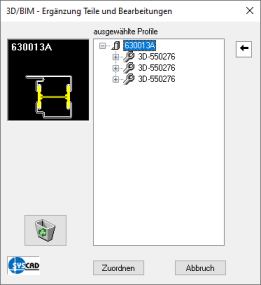
The following dialog appears:
This dialog box appears:
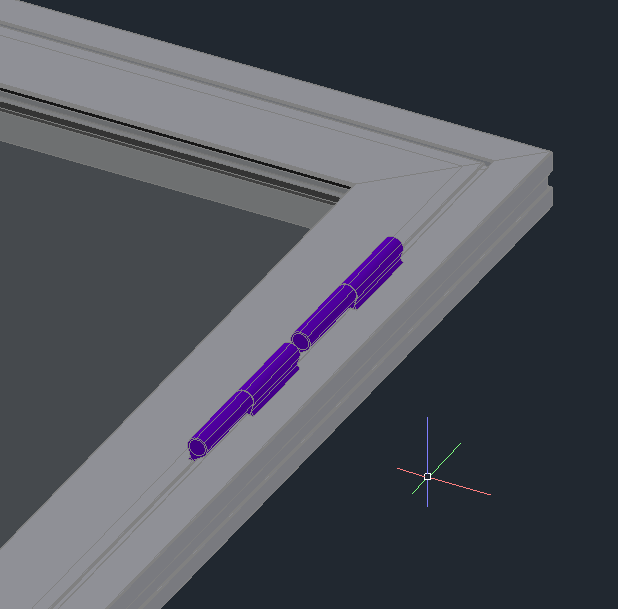
The result
|

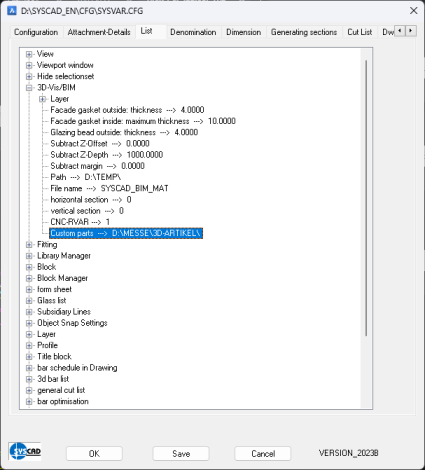
 from the ribbon -> SYSCAD 20XX -> Config to solve of the problem .

 allows to assign 3D blocks to 2D SYSCAD views.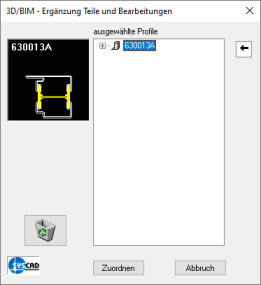
 to the desired profile. In this case just the right frame profile.