| SYSCAD - CAD for metal construction |
|
Centre line grid from elevation |
Generating sections > Centre line grid > Centre line grid from elevation |
With this command you get a copy of your elevation with simple lines and polylines. This reduced elevation could be changed with the command STRETCH etc. and transformed in a profile elevation with the command
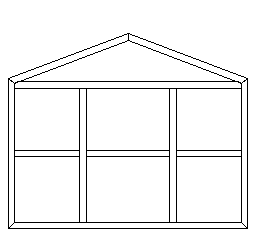
Example: You have to change the angle on top of this elevation:
This command could also be used to get a copy for some quick consideration with different profile systems .. This gives you a calculative comparison between different series. |